
Fifteen modules, one connected system
Optsy is not a scheduling tool with extras bolted on. Every module writes to the same record, which is why nothing has to be re-entered between the office, the van and the invoice.
One record, start to finish
A job is raised once. It picks up a technician, parts, time, photos and a signature as it moves, and arrives at billing and reporting with all of it intact.
-
The office raises it
Customer record, site, equipment history and contract terms are all already there, so the work order starts complete rather than half filled in.
-
The field works it
Technicians see their own day, file reports with photos, pull parts against the order and take payment before they leave the property.
-
The business reads it
Billing, QuickBooks and reporting all draw on the same data, so month end is a review rather than a reconstruction.
From the call coming in to the van arriving
Everything between a customer calling and a technician arriving.

Dispatching and Scheduling
Build the team's day on one board. Drag a job into place and the technician sees it immediately.
Read more
Work Order Management
Every work order tied back to the customer record, with job history and notes attached.
Read more
Mapping and Routing
Optimise routes per technician, with route assistance that reorders stops for you.
Read more
Task Management
Break larger jobs into tasks, assign them, and see what is blocking what.
Read moreWhat your technicians carry with them
What technicians carry with them, and what comes back.

Mobile Field Service App
Job reports, photos, signatures and card payment on site. iOS and Android.
Read more
Technician Management
Time tracking and performance records, so you can put the right person on the right call.
Read more
Equipment Tracking
Know what is installed at every site, with warranty and service history against the location.
Read moreInventory Management
Parts pulled on a job come off stock and onto the work order, so counts stay honest.
Read moreFinished work, billed correctly
Turning completed work into money, without re-keying anything.
Account Management
One customer record holding contacts, billing, site history, notes and equipment.
Read moreCRM
Track leads and customer relationships alongside the jobs, rather than in a separate tool.
Read moreService Agreement Contracts
Contract terms drive the billing, with renewal reminders before revenue lapses.
Read moreQuickBooks Integration
Invoices, payments and time export straight across, which takes duplicate entry out of month end.
Read moreMeasure it, then change it
Reporting, and the ability to change how any of it works.

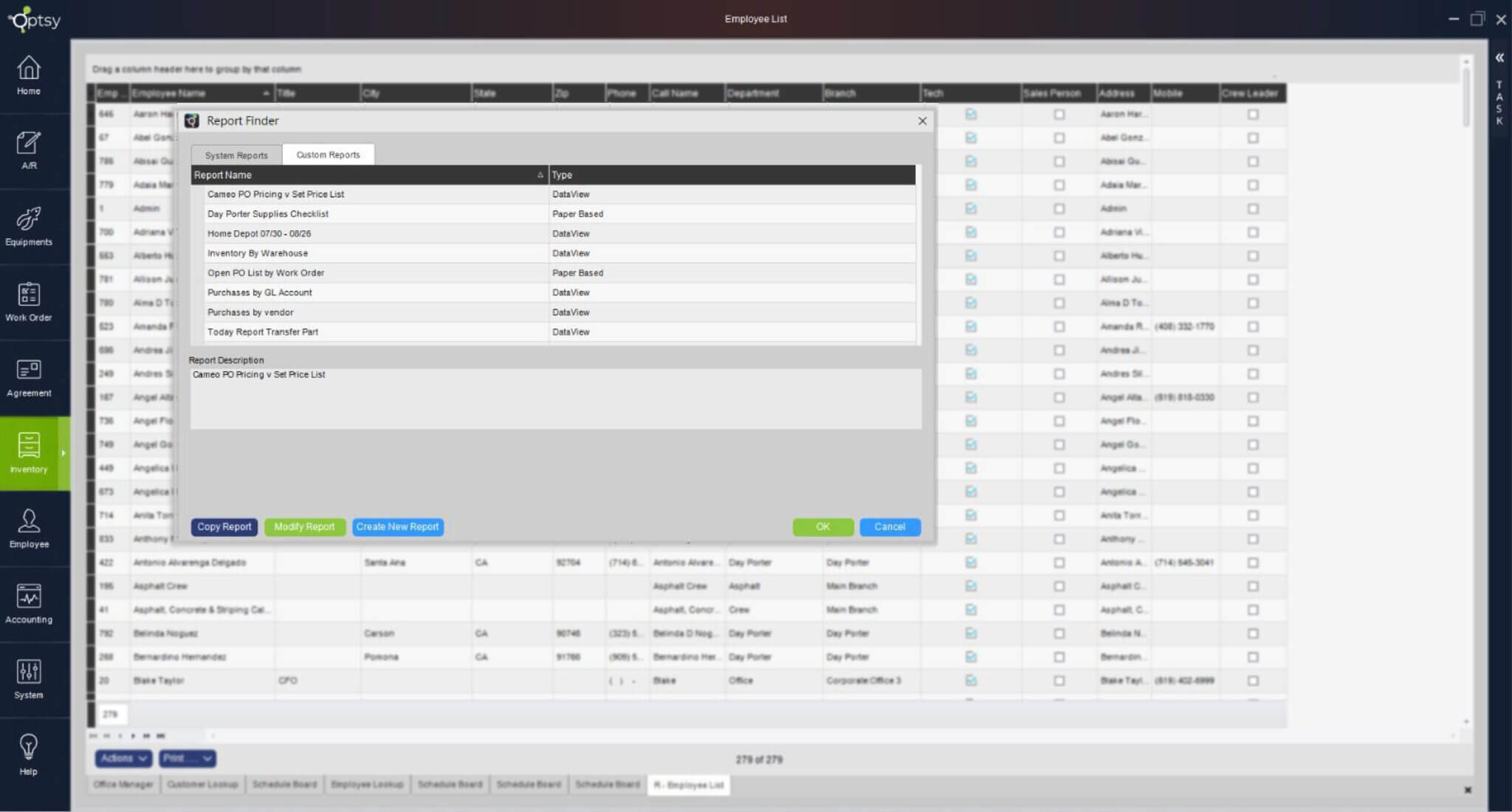
Reporting Software
Performance by client, technician, job or location. Build your own reports and export any of them.
Read moreCustomization
Fields, workflows, access levels and reports shaped around how your company actually runs.
Read moreAPI Capability
Connect Optsy to the other systems you run, with data flowing both ways.
Read moreSimplify how your business tracks and reports on KPIs
Most owners do not enjoy reporting. Like accounting, it matters and it eats the weekend. What if you could press a button and get the workflow reports you need, weekly, monthly or whenever?
- Performance tracking by client, employee, job or location, so you can see whether you are actually hitting the KPIs that drive profit.
- Drill down or zoom out. Turn reporting features on and off for views as broad or as narrow as you need.
- Real-time and automated. Data is collected as the work happens, so there are no outdated spreadsheets and no manual entry.
- Export and share whenever you need it, whether that is an internal review or handing financials to your accountant.
Not sure which modules you need?
Tell us how the business runs today and we will show you the parts that matter, and skip the rest.
Or start from your trade instead
Same modules, configured for the way each trade actually works.
Schedule a no-obligation free demo
See for yourself how Optsy could help you optimise and grow your service operation.
Or call 201-490-4309, Monday to Thursday, 9am to 5pm.